Introduction
The Unibet sports betting client (Kambi) is used by other betting operators (888, Paf). The sports betting client should be more unique without the other competitors having the same upgrades, as well as giving control to Unibet to maintain more of the client.
The betting client allows the Content Relation Managers (CRMs) to maintain part of the content in the client, but this is very limited. Also, the desktop client is Flash based and a HTML5 client for mobile. Going forward there will only be the HTML5 client on all channels.

These widgets were the way Unibet could customise and maintain the Kambi client. It was my job to map out the different widgets,
working alongside a BA in order to get the requirements on the side of the user rather than the business.
Goals for CMS
- Simple to use for CMS users: be it super users or non super users.
- User can clearly see the order of widgets in particular areas.
- Widgets are localised and can be flexibly placed where needed.
Process
As the widgets were in small spaces, it was important to be able to communicate quickly to a user what was going on. Looking at the hierarchy for each widget, I identified the most important and the least important information. This was then taken into account for the visual designers.
As the widgets were light weight and part of the overall betting client, the view was to get them live with MVPs to start to test in production to then refine and iterate on.
Ideas were critiqued by the rest of the design team. Using the style guide these would align with the current UI. Additionally doing desk research and internal testing were ways to stress test and validate decisions for the initial build.
User types

Unregistered (non cookied)
Newbie
I’m looking for the best offers.
I want to know why I should register with Unibet
Experienced
I’m looking for the best odds.
New user (cookied)
No bets made
I want to make a bet on the big game.
Newbie
I want to get some ideas of what to bet on.
I want to see the tournament or league an event is in.
Returning user (cookied)
As a user I want to bet on a similar event as the last time I made a bet. Not be offered bets I have already places as recommendations.
UX
Sketching and wireframing were the ways to communicate the idea with the team. I worked closely with business analysts on the fine tuning of the requirements.

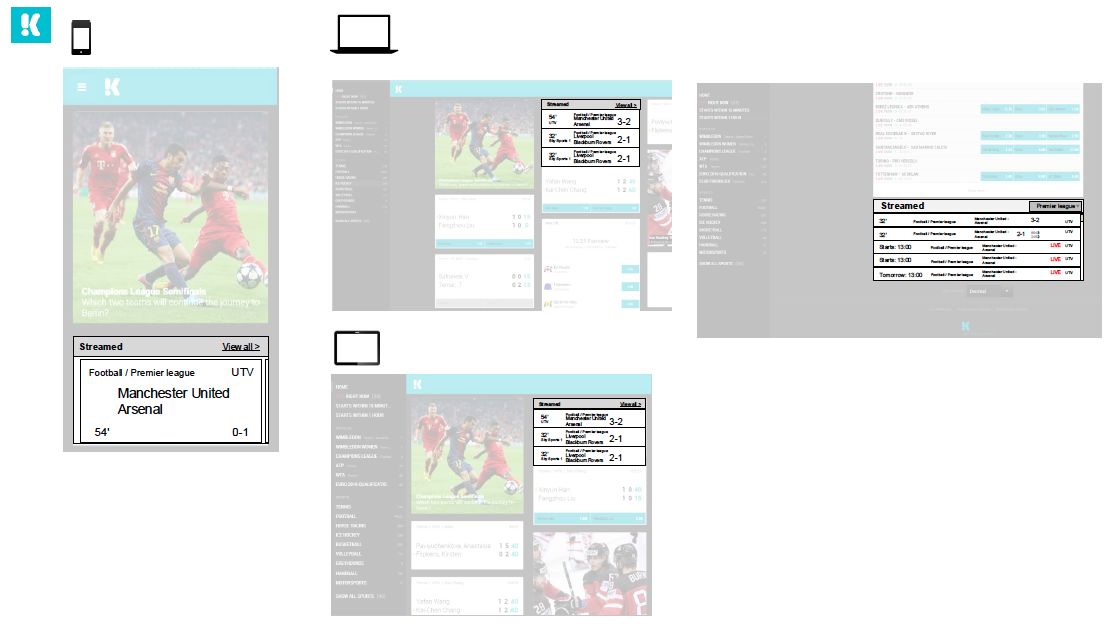
Working closely with our developer team in Stockholm we were able to get some prototypes up and running on our test sites to look for bugs and UX/UI problems. Another important part of this project was working closely with our CMS team in order to design how these widgets would be configured. As Unibet is a multinational company, we had to bear in mind that these widgets would be configured and maintained on over 20 different sites – which is not a small task.
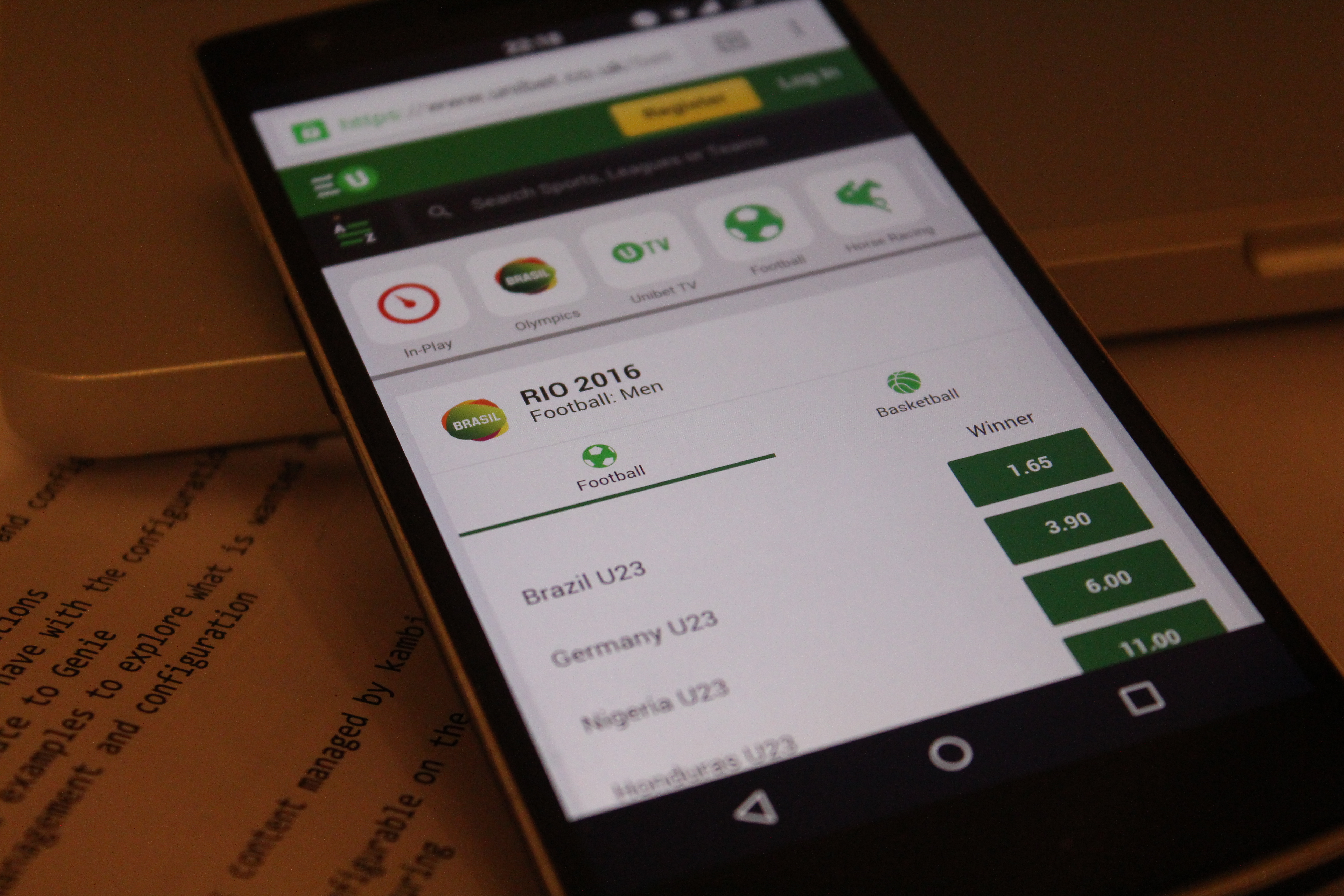
All the Kambi widgets are designed so Unibet can maintain and configure them without Kambi being involved – through the means of Unibet’s CMS.
UI
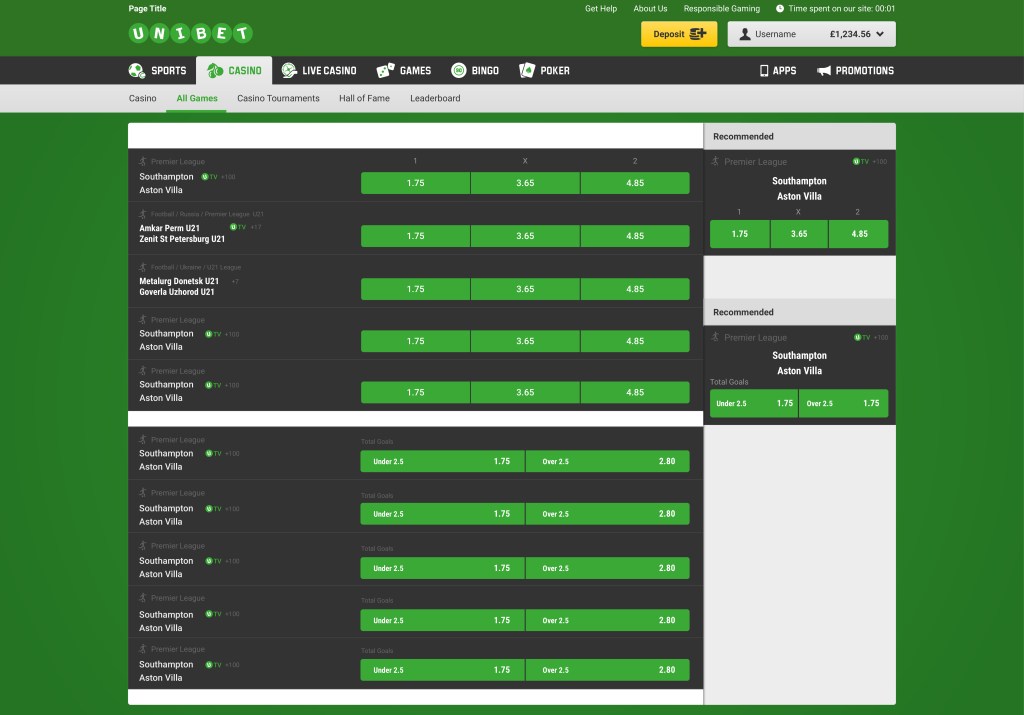
I worked closely with a UI designer. We spent most of the time looking at how to communicate quickly in the small spaces. Many iterations were drawn up of the different ways of rendering. Ultimately this project was about hierarchy, this was the dominating principle to focus on the primary purpose of each widget.

Delivery
Delivered widgets:
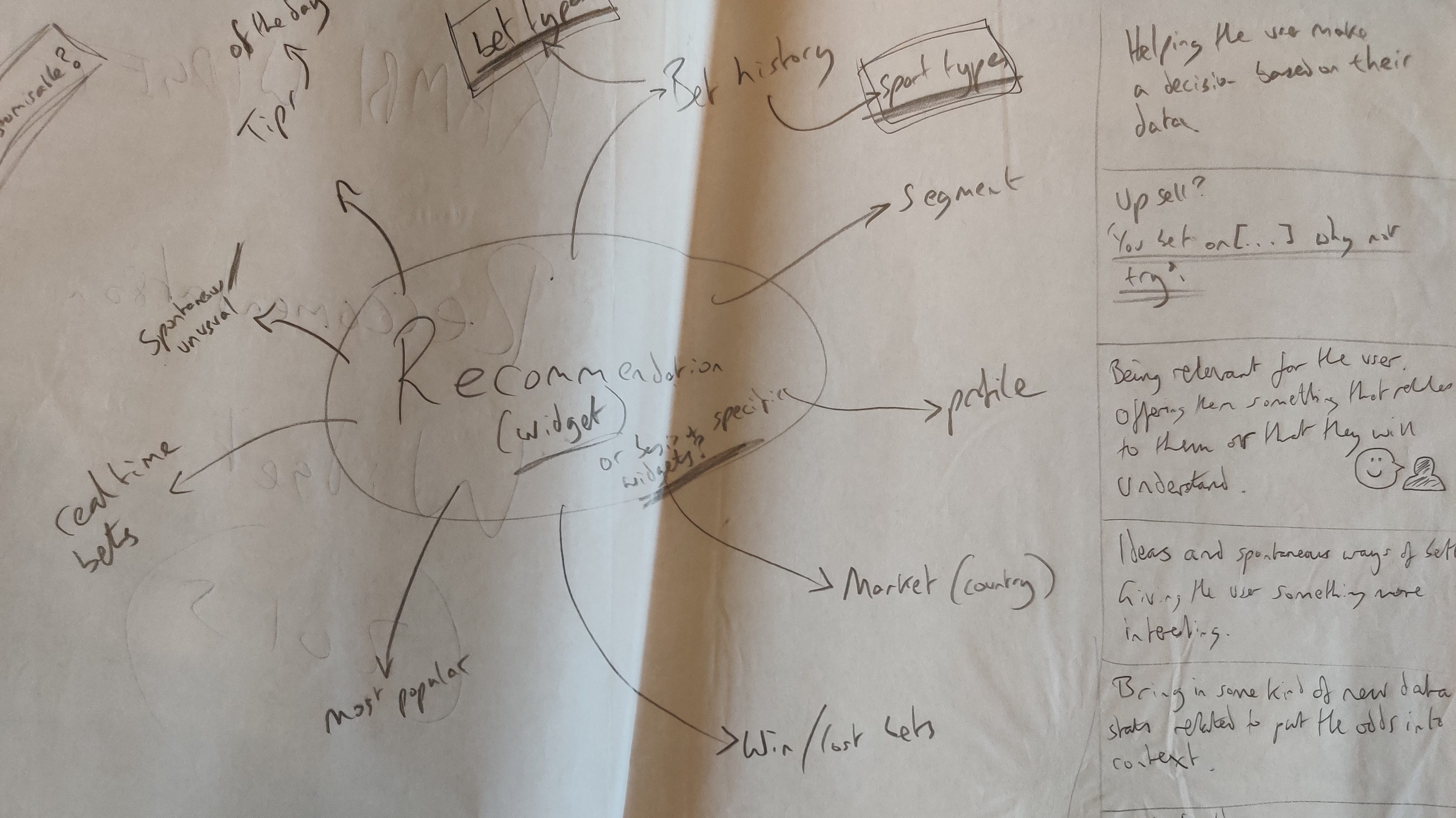
- Recommendations (big data) – using big data to serve up recommendations.
- Tap Nav (mobile only) – A way for Unibet to control their own navigation within the betting client, and for it to be optimised for mobile.
- Live right now / Upcoming – For users who want to do betting during live games or before the action begins.
- Featured – A way for Unibet to promote which sports, games etc within the Kambi client.
- Horse racing – Specific to the needs of horse racing pundits, and for a larger use within the Australian market.
Other Unibet projects
 Antony J White