Team
Antony White (Senior UX Designer)
Malaika Francique (UI Designer)
Rachel Slack (Senior UX Copywriter)
Dima Alazzi (Senior UX Researcher)
Harry Birch (Product Lead)
Time
3 months
Introduction
A new piece of hardware was under secret development at Sky. It was still in development, the branding and even the name had not been finalised, and we were tasked with designing the setup and onboarding journey.
This is still my favourite project to date. Myself (UX), UI and copy got together to collaborate from the very beginning. We crafted a narrative as well as divided and conquered in our various disciplines in parallel. While I began structuring the flow, Rachel (Copy) could start to write the various parts of the journey, meanwhile Malaika (UI) could look through the UI lens of illustration styles, patterns and parts of the design system that we could leverage.
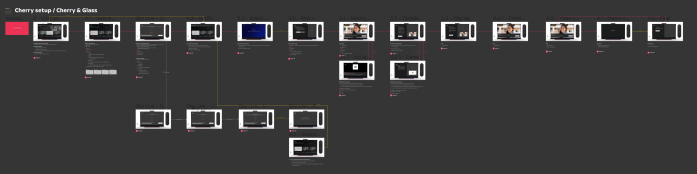
Some work existed that was a great starting point that was mapped out when the setup and activation journey for Glass was created. We began by together analysing and then brought it back to what would be most useful for the user when connecting a new piece of technology.
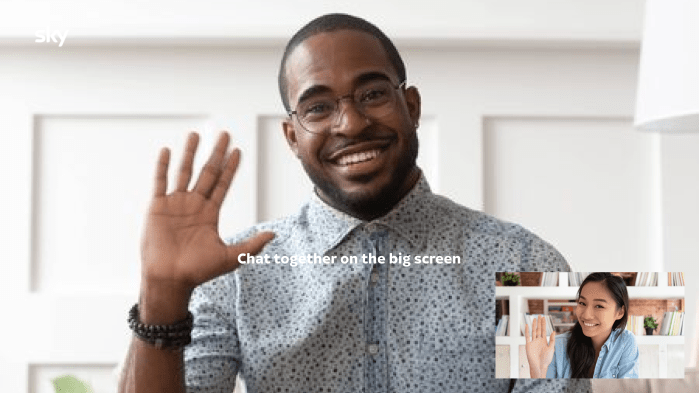
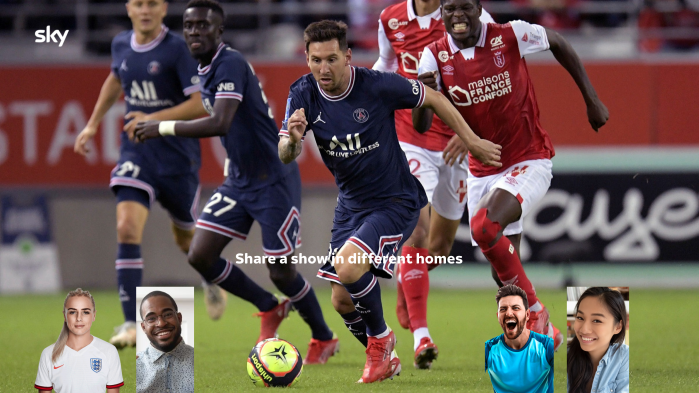
Sky Live (Project name Cherry) is a camera that connects into Sky Glass (Skys very own TV). The user can then video call, exercise, play games and watch content together with friends in different households.

Objectives
- Get new customers excited about their new purchase
- Immerse in the capabilities of the camera
- Showcase/ immerse in range of experiences (verticals).
- Ensure the journey is engaging and fast
Discover
A typical starting point looking into different examples of setting up camera based technology. From a range of new and old, Xbox kinect to Facebook Portal. We looked into the different ways that competitors and comparators setup. Utilising the camera to see the users self was a good way of showing to the user if the camera was setup well, where as Xbox went into detail about specific calibration and settings.
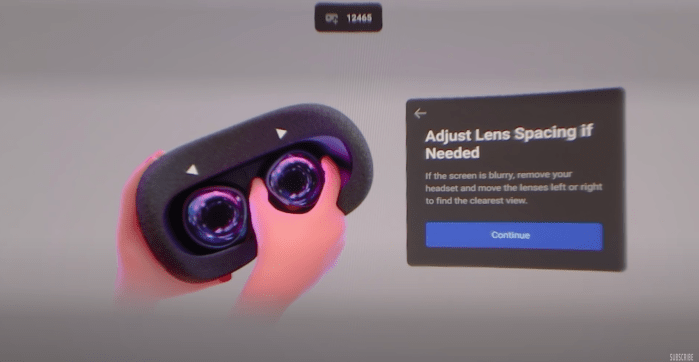
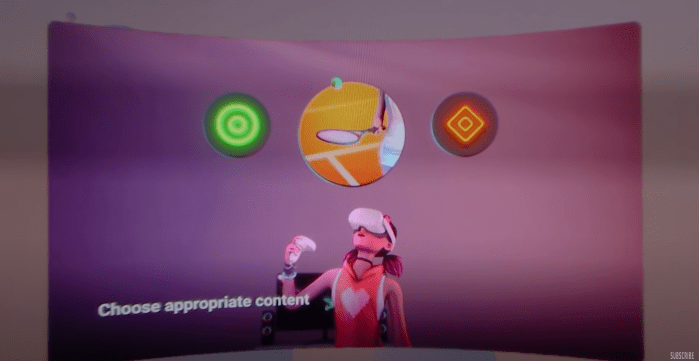
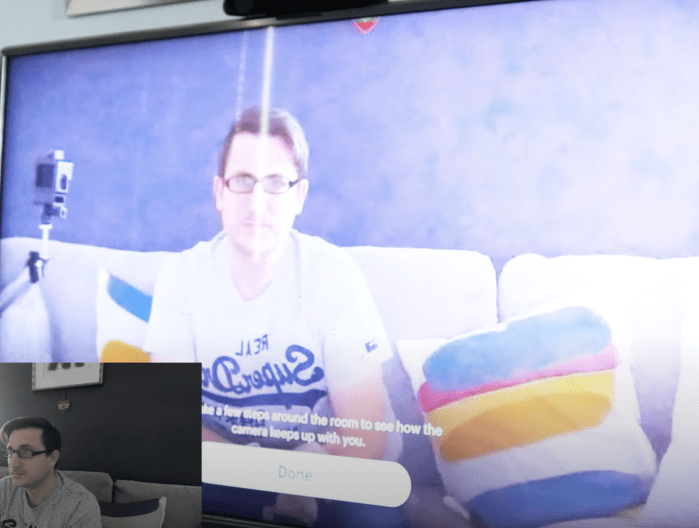

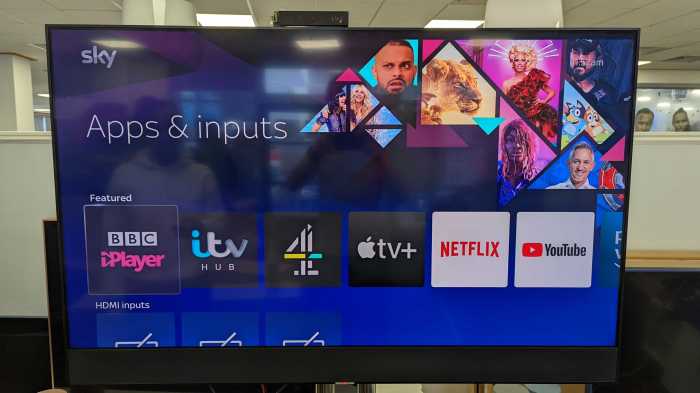
As well as looking at benchmarking, part of this was to look at the current Sky Glass UI to investigate the patterns and areas that the camera setup could use existing paradigms.
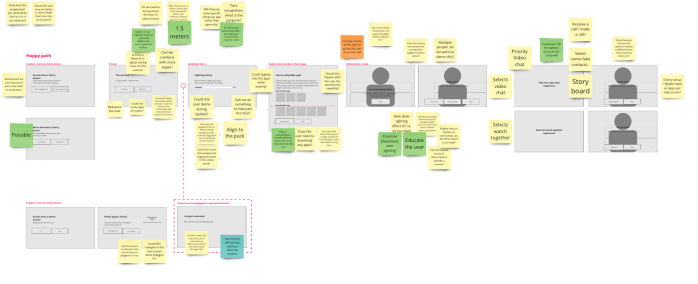
Once we had an better idea of what was being asked of us and also what kind of direction we could take the design, we started with a collaborative Strawman. This is an exercise I use at the beginning of most projects to put an assumptions and requirements together in order to collaborate with the wider team i.e. product, tech and anyone else involved.
Define
Continuing from the strawman we started to work out the details that would be required. Looking at the camera setup seeming to be more onboarding to highlight certain parts of the camera, we wanted to look at what might a gold standard look like.
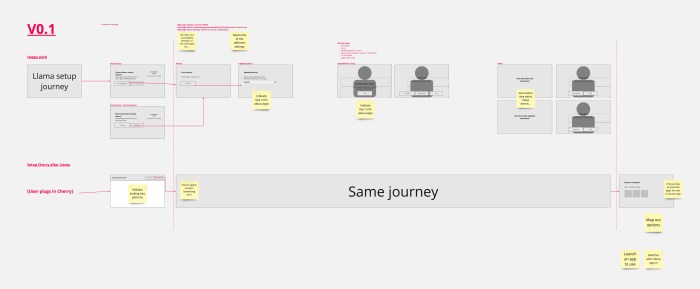
One of the biggest questions while designing the setup was around would Sky Live be setup during the initial setup of Sky Glass? Initially is was assumed that it would be, however through going into the user experience of the flows, it may not be an obvious decision.

Accessibility and inclusivity
Another aspect we considered was around inclusivity and accessibility. The main question I kept investigating was, why will people buy Sky Live? What do they think it does? As it has a mixture of video calling, watching together, gaming and exercise, did we need to make these interactive within the setup flow? Thinking about those either not expecting a more ‘physical’ experience or for those may would struggle or not be able to do certain movement, it was important not to impose on the user to do physical activities i.e. people in the business were looking at getting the user to do different poses to show off the ‘skeletal tracking’. The best approach at this point would be to make awareness and create excitement rather than force the user into doing something they may not be expecting.
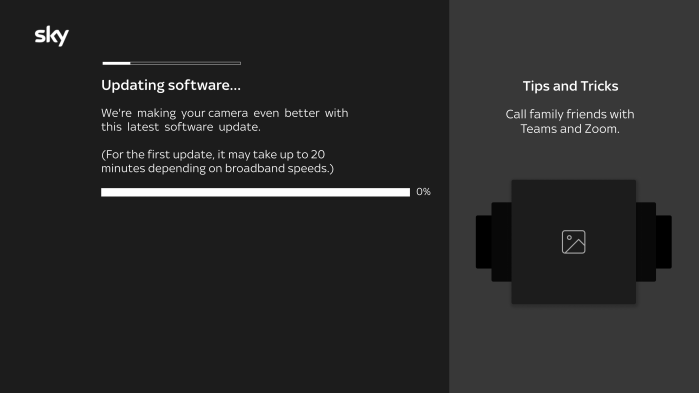
Additional to this I had experience of creating voice guidance for the work I did on Sky Go for Apple TV. I used this experience and worked with the head of accessibility in order to define how voice guidance would work best for this kind of setup. We also spoke with someone who worked in the accessibility team to help structure how things would be read. The biggest challenge was making sure the information was communicated in the right order, and also about timing. Timing was a challenge as one of the setup screens allowed the user to explore certain features while the progress bar updated. We went through a few iterations of the rules for what happens when theres progress but the user navigates to a new area. The conclusion was the progress was more important than the onboarding content, as the onboarding content would be shown within the setup itself, but users who wanted to do something while updating could do so.
Immersive video demo concept
The idea was to put the user into the experience and tease out all the possibilities of Sky Live. The hypothesis was around that a lot of users may not be fully aware of the capabilities, so a quick demo to show these was the approach.
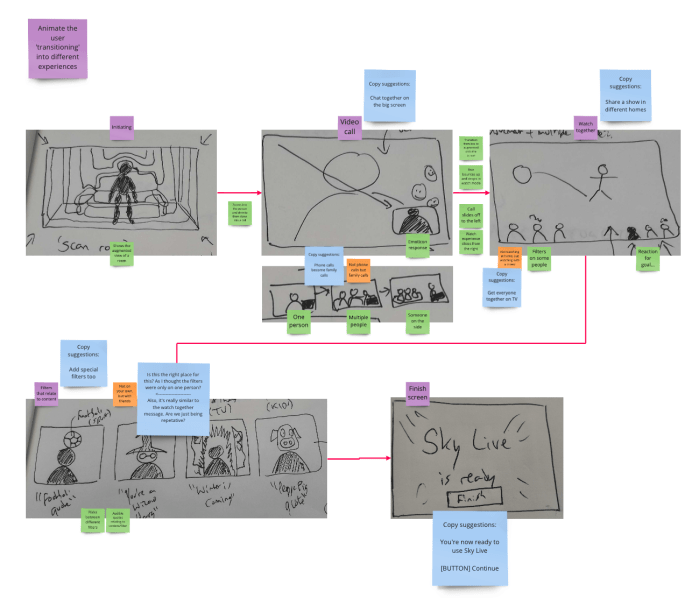
I decided to do a bit of filming with Rachel to mock up what I was trying to do. I shared this with the team to sell the vision and see if this would be something we could achieve.
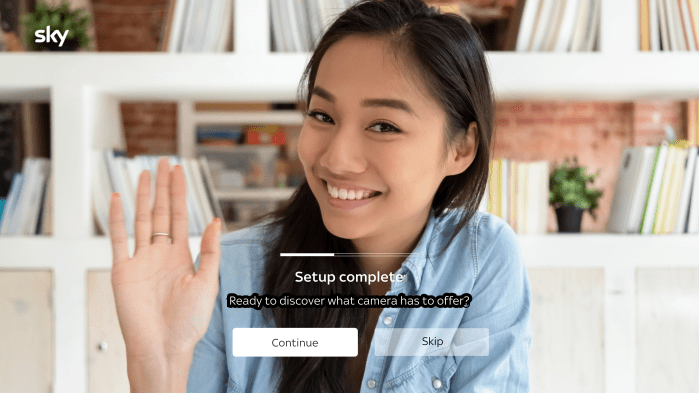
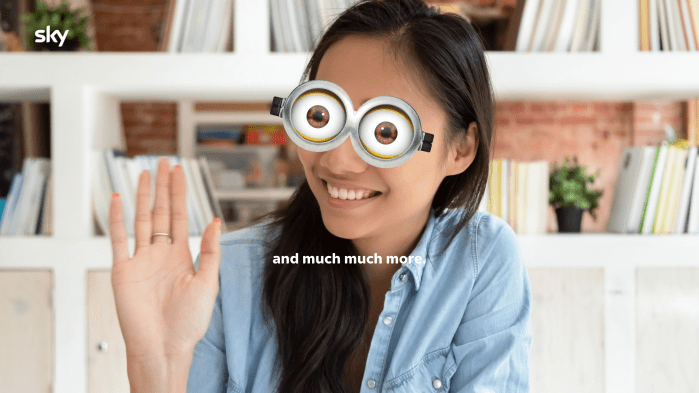
Due to technical constraints we were unable to pursue to the interactive video solution. To pivot on this, we used the work to create a video for the setup journey in order to raise awareness of the capabilities of Sky Live and aim to get the user excited before they got to using it. The aim was to use ‘The Peak End’ rule to end on something fun and exciting, to be memorable and hype up the Sky Live experience.
Develop
The benefit of dividing and conquering early on in the project really helped when we got into the development phase. A big part of this was getting clarity and input from a legal perspective that started to impact the copy. As we had Rachel as part of the team, it meant that they could then really own the narrative and have ownership of the design. This enabled us to be adaptable and carry on with our various disciplines while Rachel could work with legal on getting the copy to work. Shared ownership was the key to the success here.
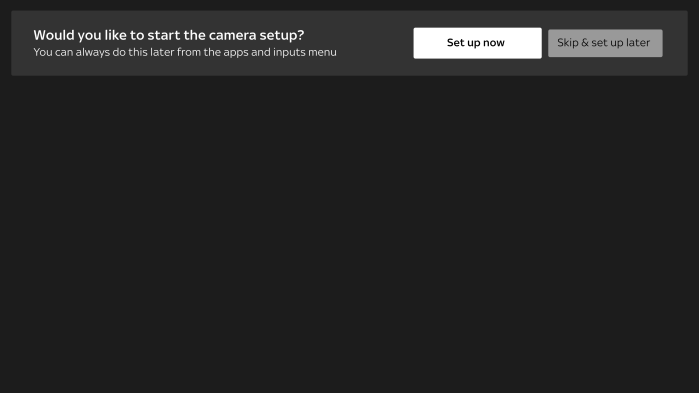
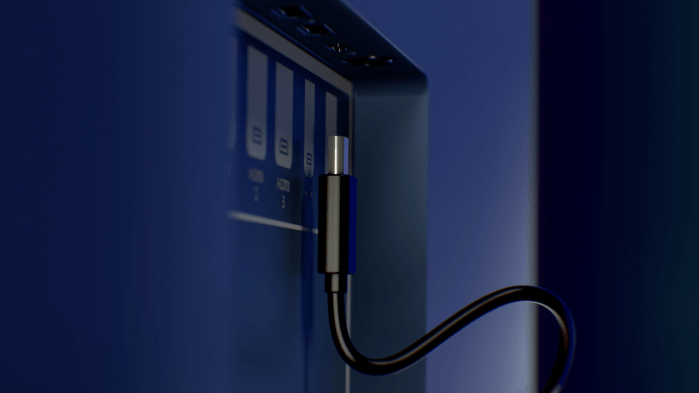
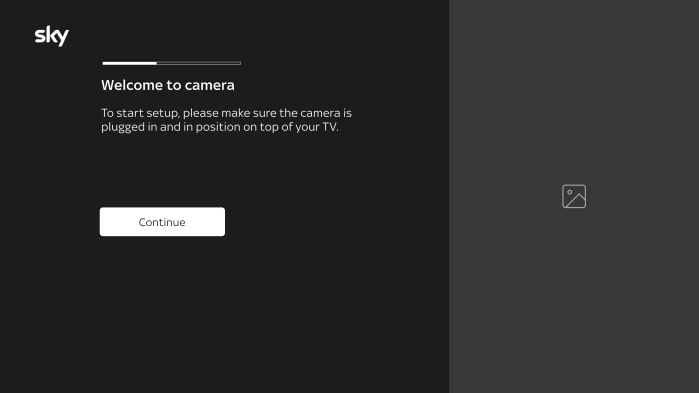
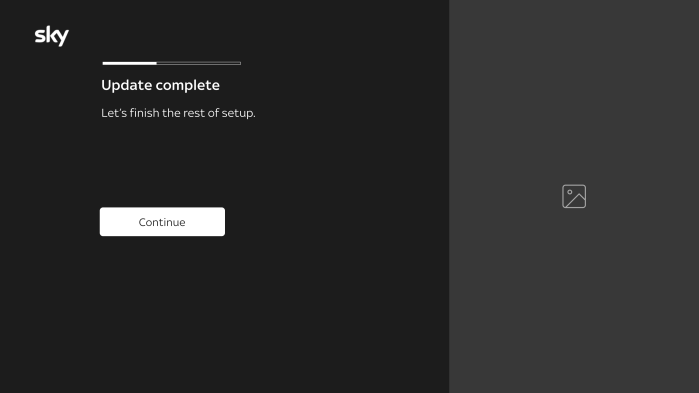
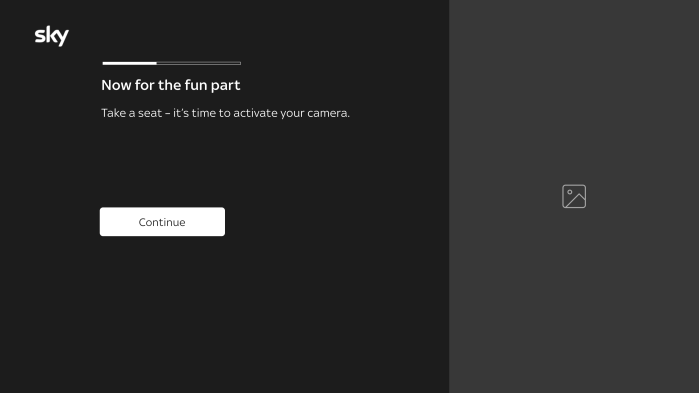
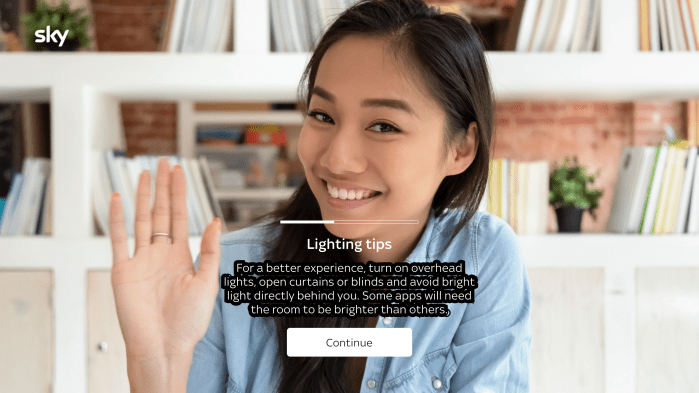
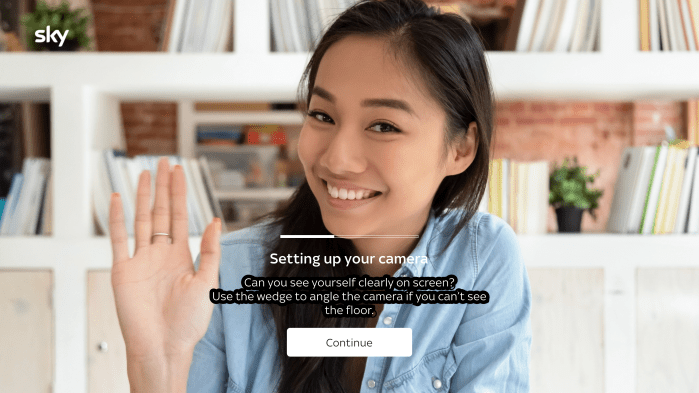
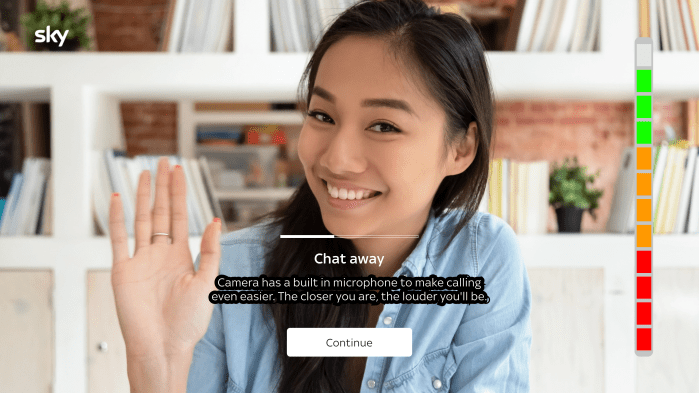
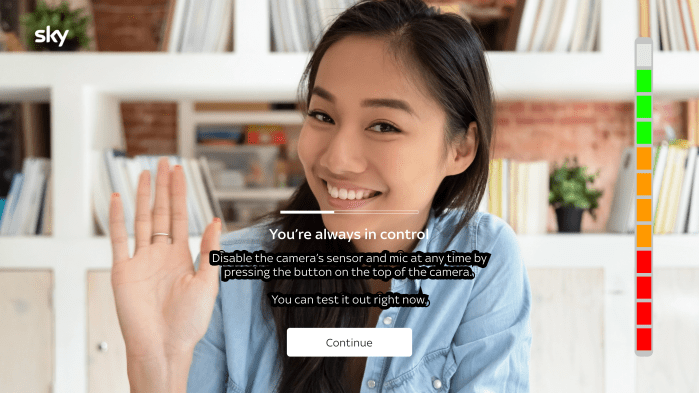
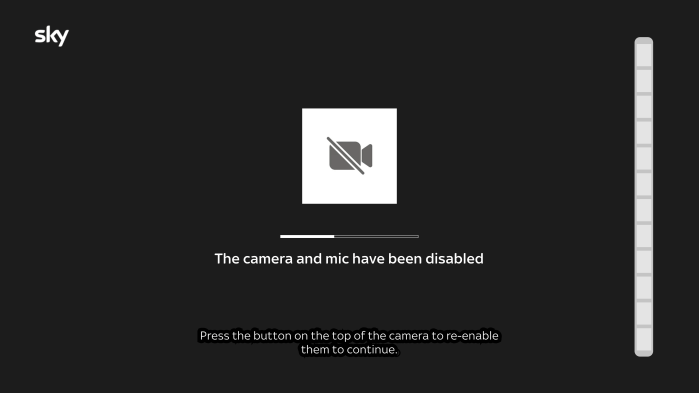
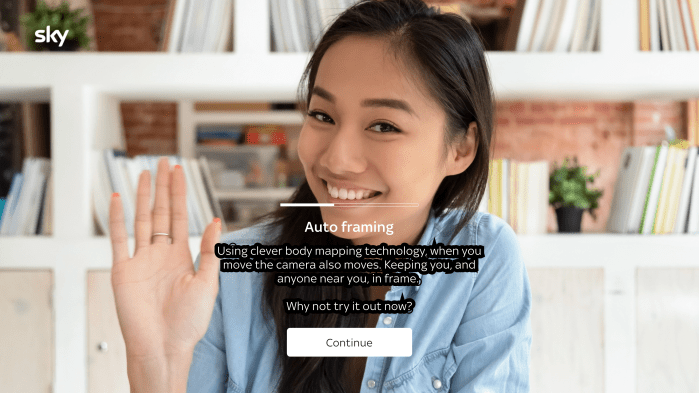
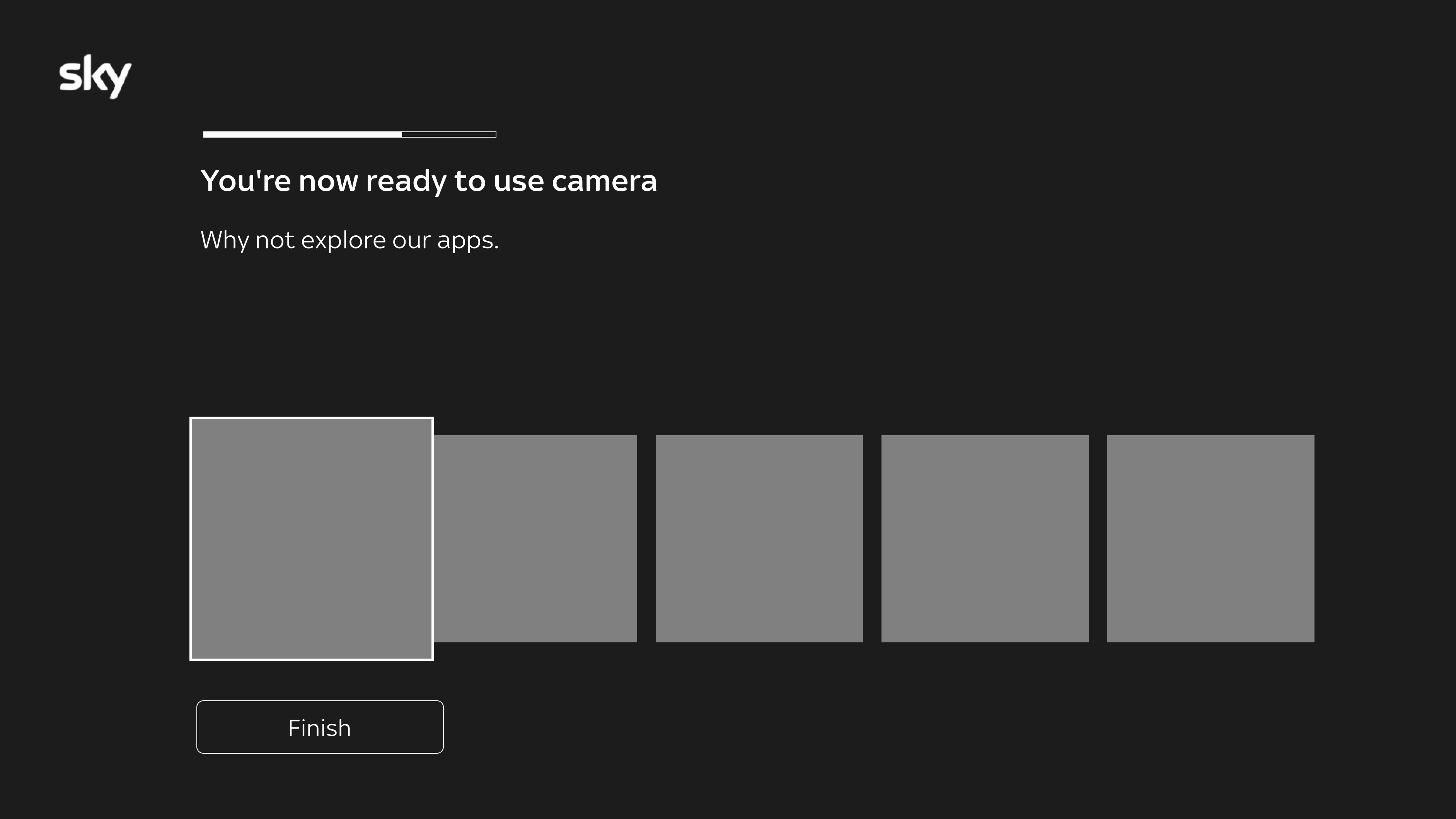
As we developed the journey one of the main things was to categorise the different areas in order to understand the different steps for the user:
- Start of journey
- ‘Boring bits‘ The legal and
- Quick setup The areas the user needs to be aware to optimise their experience
- Video To end with the peak end rule
- Tail (end of journey) to transition the user into apps for Sky Live
Research
We worked with Dima (UX Researcher) for this project.
Research objective
Understand customer expectations when setting up a product of this type. Are there any pain points to this journey that we should be aware of.
This research will aid the decisions on what steps we include in the setup journey, and how far we push the ‘magical moments’ before they become a friction point for customers getting into playback.
Methodology
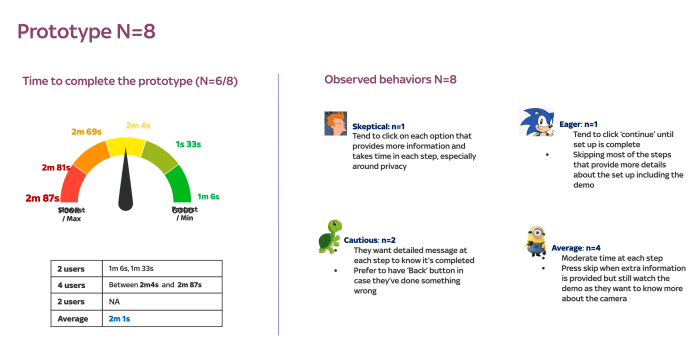
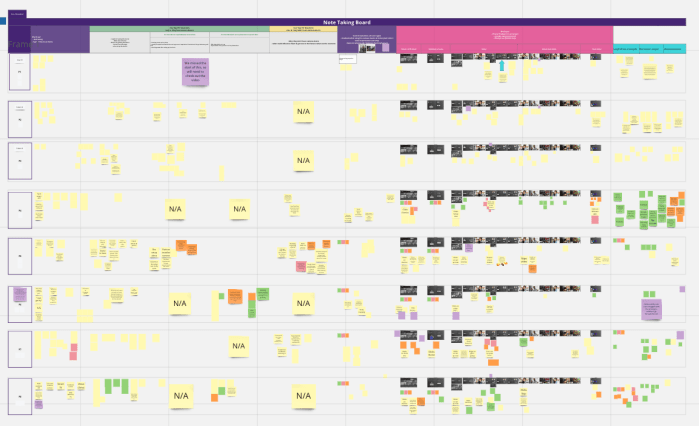
Qualitative: 121 online moderated interviews (8 users)
Research questions
- What are customers expectations, when setting up a camera.
- Have customers faced any pain points in a set up journey for a camera?
- Would customers want to set this camera up, at the same time as setting up their TV, or do it later?
- How much would customers want to learn about how to use this camera during the setup?
- How long would customers expect this setup to take?
- What would customers want to know about the camera during setup?
- Is it beneficial for customers to have a demo others will need to see later in the setup? e.g. gesture control
- Why would customers buy Cherry?

Deliver

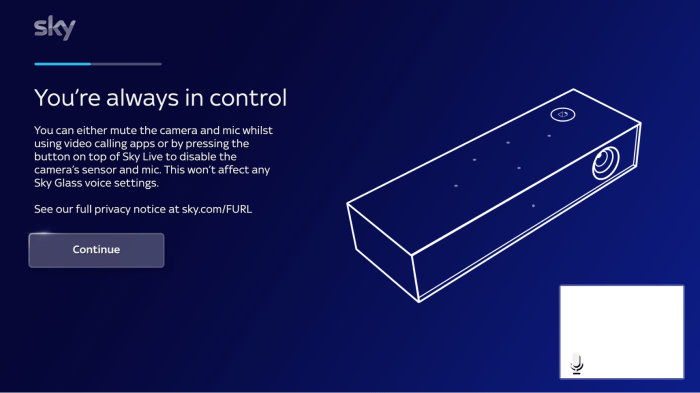
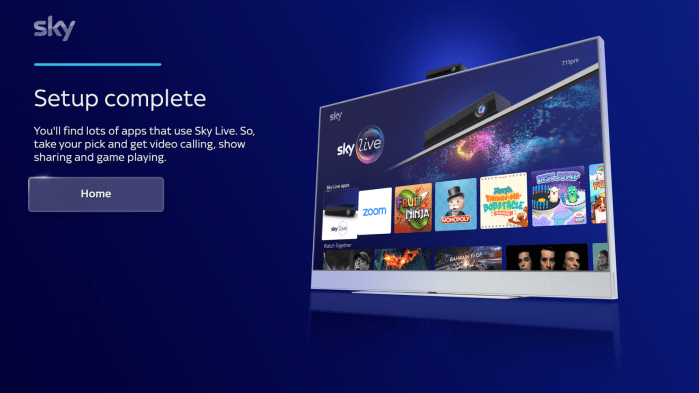
The trickiest part of the project was when the delivery would be. The product of Sky Live got pushed back multiple times. When we got to a point of build, QAing, collaborating and agreeing on the final MVP there was an opportunity to optimise and work on some improvements. I however had to move crews at this point so was unable to work further on the project.
Challenges, Opportunities and success
- Technical constraints, but working on pushing the idea either way
- Product still being built and branded while working on this
- Many many stakeholders – having UX UI and copy together in order to demonstrate rationale and be strong with our decisions
- Influence and collaboration with Sky Creative on the video for the setup, which also was used for marketing in various areas such as TV campaigns
 Antony J White